
Place it precisely
Use a preset — including placement beneath the MacBook notch — or set a custom position and size for the search panel and article windows.
Wikipedia without the detour. Hit a global shortcut anywhere in macOS, type a name or a topic, and the article opens in its own floating window — readable, with quick actions to copy a section or open it in your browser.
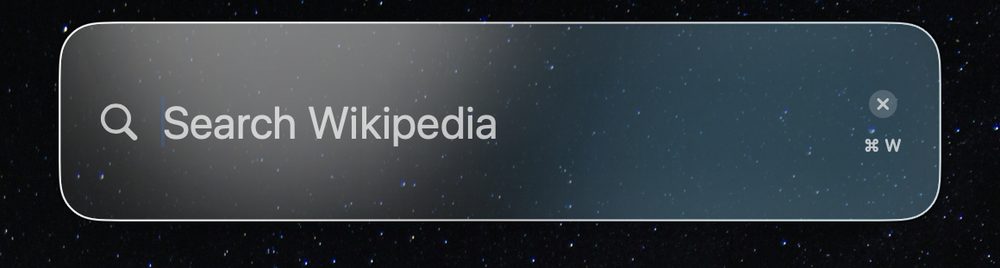
A configurable global hotkey opens Wiksy from inside any app — no need to switch to a browser first.
Choose the Wikipedia language you use. Search and article results follow that selection.
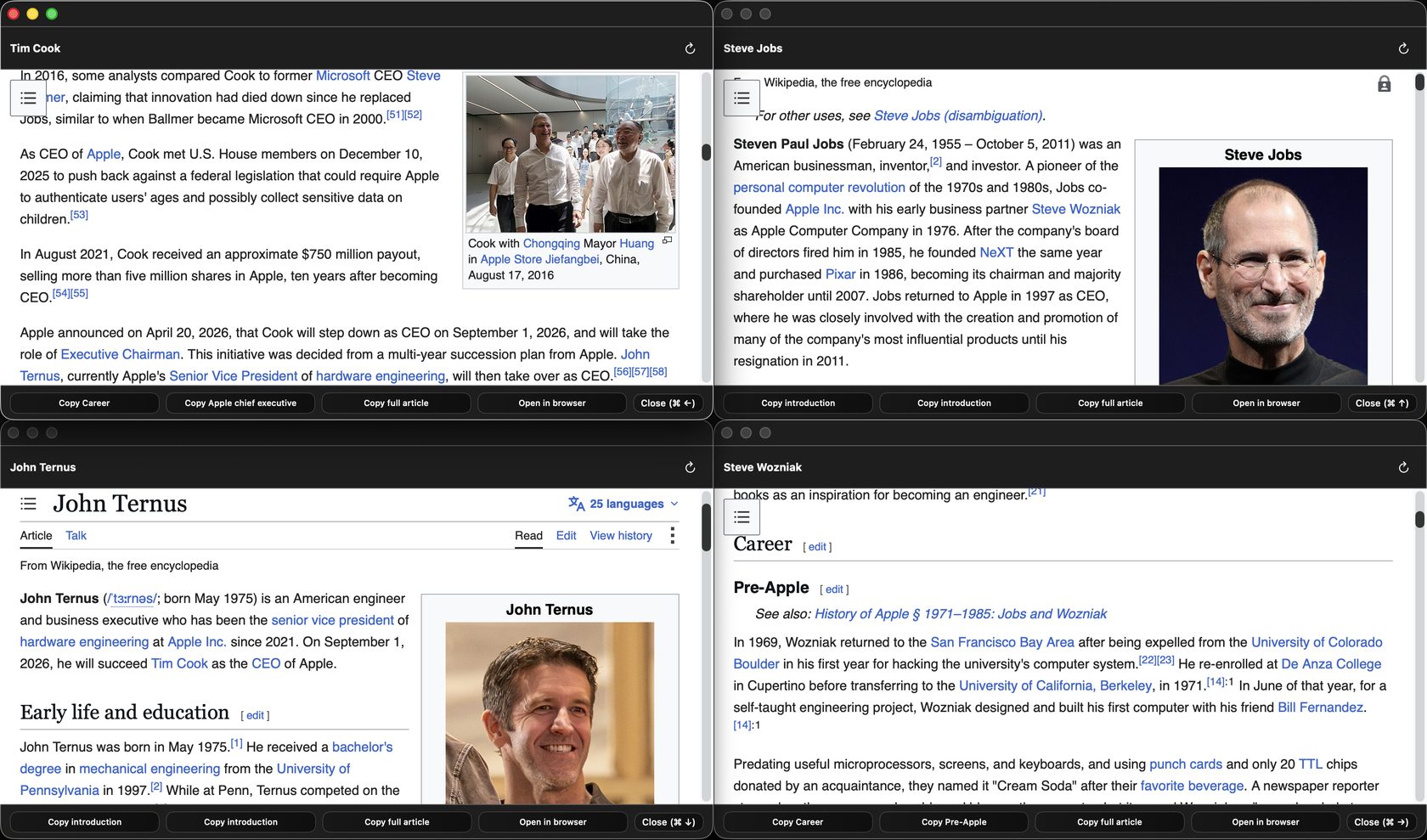
Use up to four fixed-corner article windows, or switch to one large reusable reading window.
Built natively for macOS, without advertising or analytics SDKs, and ready when you need it.
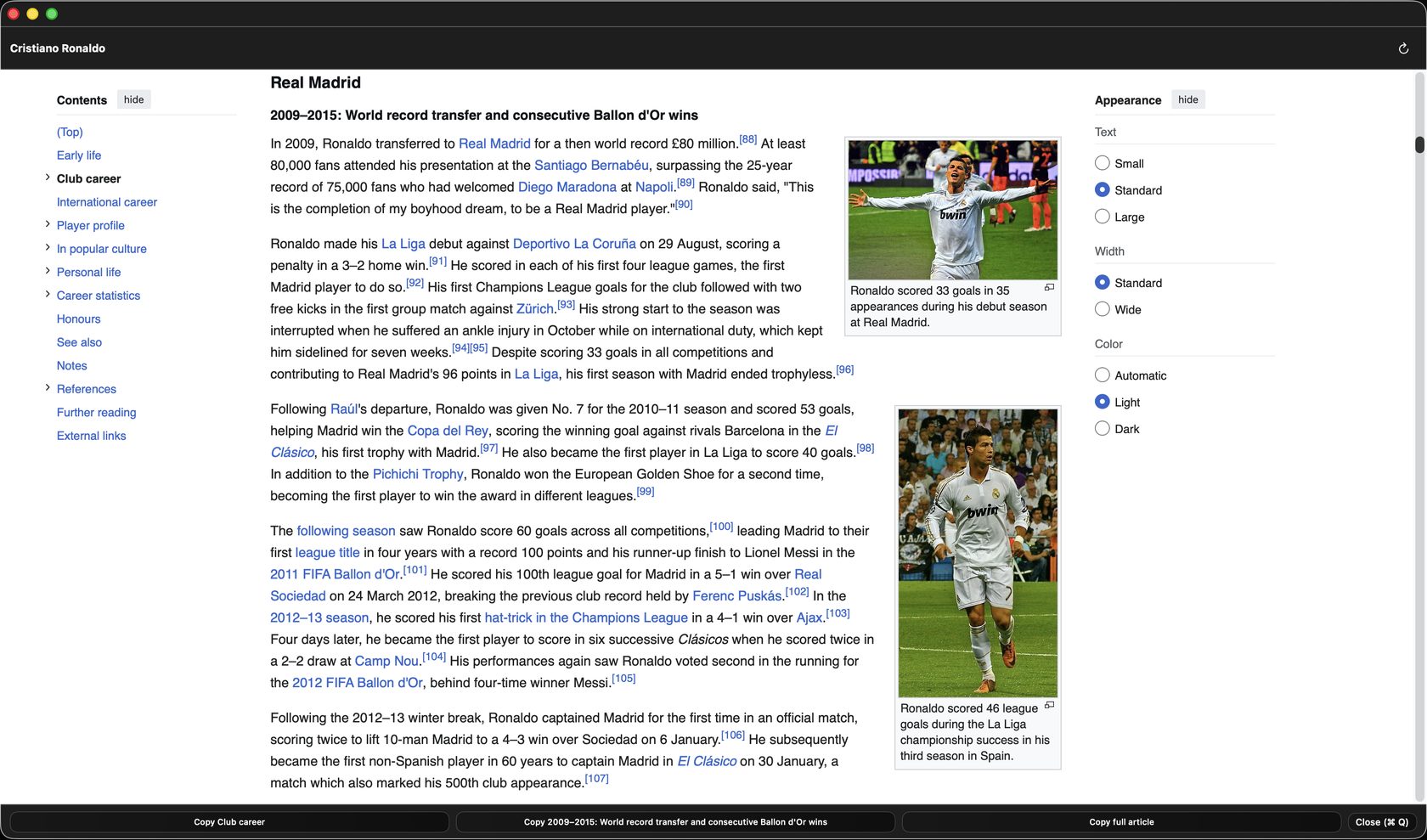
Every article, its own window
Each article opens in a focused Wikipedia reader with its own text size, width and light or dark reading options. A quick action bar lets you copy the current section, a sub-heading or the full article, reload it, open it in your chosen browser, or close the window and get back to work.
One at a time, or several
Keep up to four articles open at once, each anchored to its own screen corner and closed independently. Prefer more room? Single large window mode reuses one generous reader for every new search.
Make it yours
Wiksy stays simple when you use it, but gives you control over how it appears and behaves.
Use a preset — including placement beneath the MacBook notch — or set a custom position and size for the search panel and article windows.
Switch between standard and Liquid Glass styles, then tune transparency and glass intensity to suit your desktop.
Select from eleven opening animations, randomise them on each launch and adjust their speed — or keep things restrained.
Start to finish
Trigger Wiksy from anywhere in macOS with one key combination — no window to find, no app to switch to first.
The floating search bar takes whatever you're looking for — a person, a place, an event.
Read it, copy a section or the full article, open it in your browser, or close it — the next search uses the next free corner, or replaces the article when single large window mode is enabled.
Private by design
Wiksy sends your search term only to the public Wikipedia API for the language you selected. There are no analytics or advertising SDKs.