Ready immediately
No registration or API key. Google’s public translation endpoint is used first, with MyMemory as an automatic fallback.
A minimalist native translator that lives in the menu bar. Press one shortcut, type or dictate, and get the translation without leaving the app you are working in.
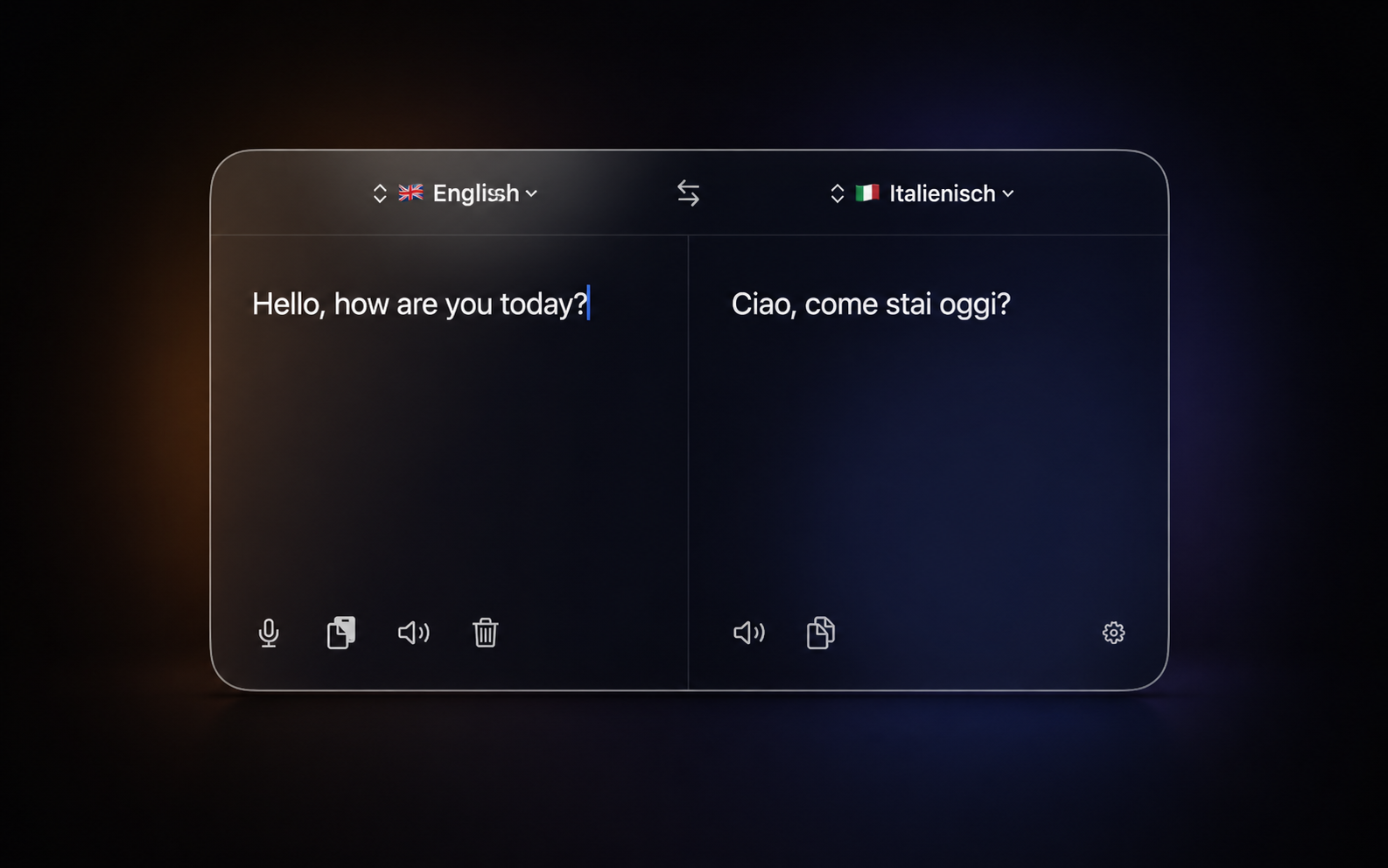
Translate without the detour
BarLingo stays in the menu bar with no Dock icon by default. The configurable global shortcut opens a floating two-pane translator; swap languages, paste or type, then copy the result and return to your work.

Speak and listen
Use native macOS dictation for the source text and read either side aloud with independently selected voices. Keyboard shortcuts keep dictation, clearing, reading and copying within reach.

Make it yours
Choose from 41 translation languages with right-to-left support and use the interface in 24 languages. Adjust position, size, transparency, glass intensity, colour scheme and opening animation — all without restarting.
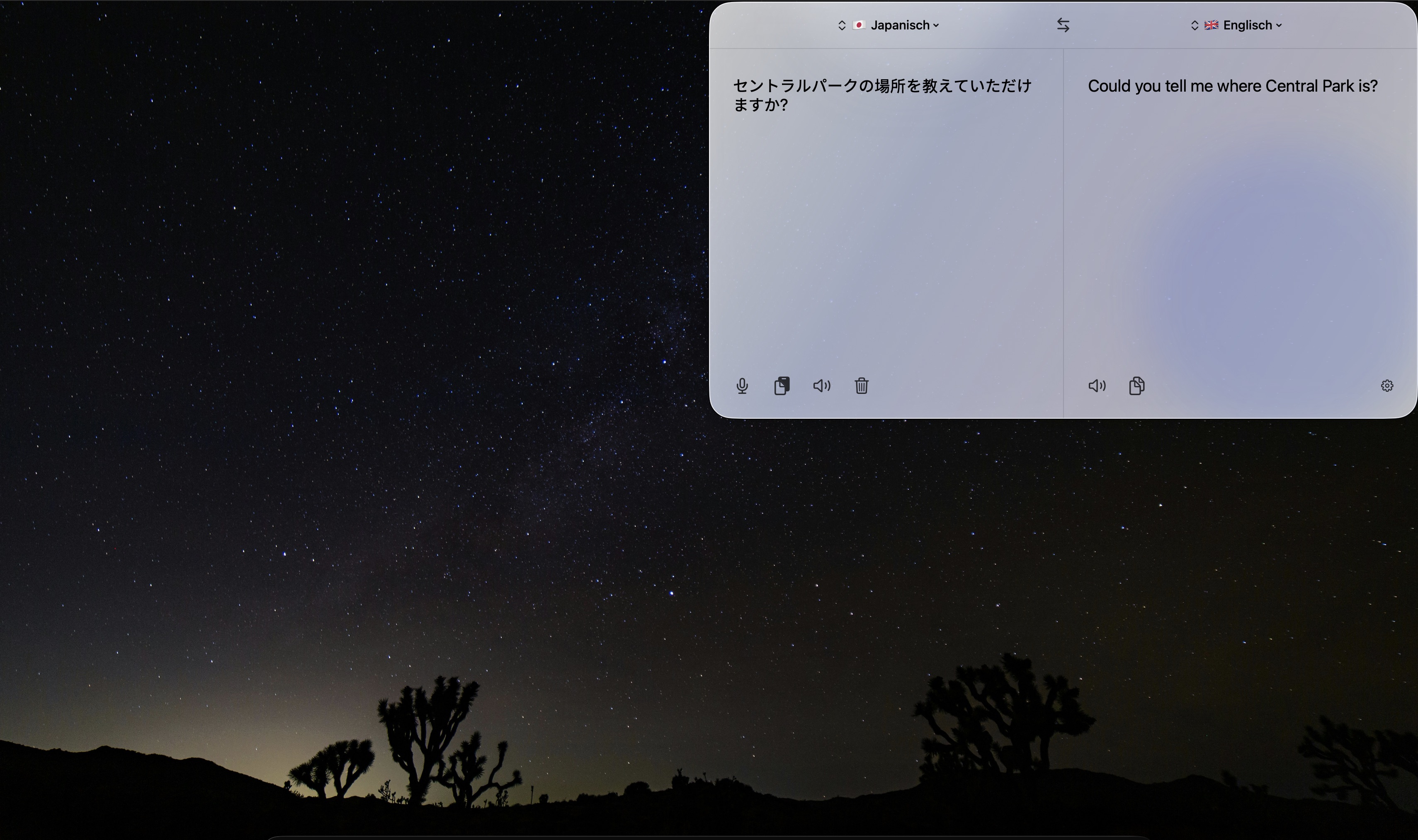
More than translation
No registration or API key. Google’s public translation endpoint is used first, with MyMemory as an automatic fallback.
Configure the show-and-hide shortcut and optionally switch to a chosen keyboard input source when the window opens.
VoiceOver, keyboard navigation and localized spoken examples are supported across all 24 interface languages.